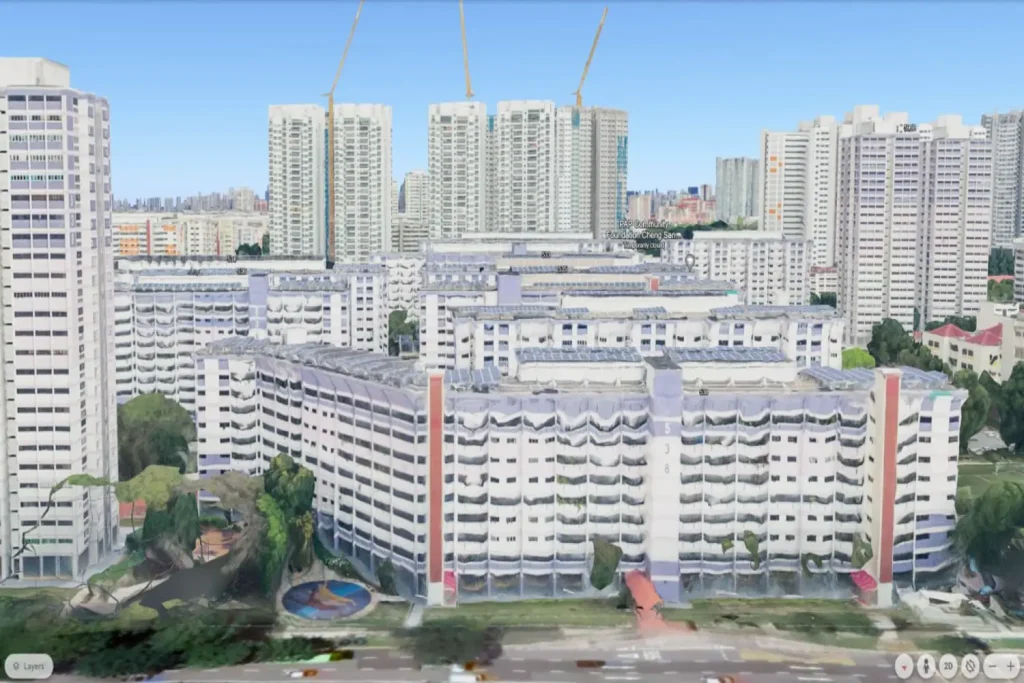
Exploring my New Home with Google Earth
Moving into a new home is always an exciting experience. But what if I could explore my new surroundings before I even step foot in my new place? With Google Earth, I can do just that. Here’s how I can use Google Earth to generate a view of my new HDB home and get a glimpse of what the view might look like from the 22nd floor.
Step 1: Launch Google Earth
The first step is to open Google Earth.
Step 2: Enter my Address
Once I have Google Earth open, I’ll see a search bar at the top of the screen. Type in the address of my new HDB home and press enter. Google Earth will then zoom in on my location.
Step 3: Switch to Satellite View
To get a more detailed view of my new home and its surroundings, switch to Satellite View. I can do this by clicking on the square icon labelled ‘Satellite’ in the bottom left corner of the screen.
Step 4: Explore my Surroundings
Now that I’m in Satellite View, I can explore my new neighborhood. Use the zoom function to get a closer look at my HDB block, and click and drag the screen to explore the surrounding area. Look for nearby amenities such as MRT stations, bus stops, hawker centres, and parks.
Imagining the View from the 22nd Floor
While Google Earth can’t show me the exact view from the 22nd floor of my HDB block, I can still get a good idea of what it might look like. The higher the floor, the more expansive my view will be. From the 22nd floor, I’ll likely have a panoramic view of the surrounding area. I might be able to see beyond my immediate neighborhood, and on a clear day, I might even see Singapore landmarks in the distance.
Moving into a new home is a journey, and with tools like Google Earth, I can start that journey before I even get there. So go ahead, explore my new home, and start dreaming about the view from the 22nd floor.
I hope this article helps I visualize my new home and its surroundings. Enjoy exploring!